
Plugins
Install plugins from git and pin them in plugins.lock. Run herdr plugins unchanged, and native plugins that say which grants they need.
A plugin adds actions, panes, startup services and event hooks to tuios. tuios runs two kinds:
- herdr plugins: a folder with a
herdr-plugin.toml, in the format of herdr 0.9.5. tuios runs them unchanged. - Native plugins Unreleased: a folder with a
tuios-plugin.toml. A native plugin says which grants it needs, and the daemon holds it to them.
tuios plugins install Unreleased gets a plugin with git, shows what it runs, builds it and pins its commit in plugins.lock. The daemon never fetches and never builds.
Quickstart
Run these in a terminal outside tuios. tuios refuses to install, enable or disable a plugin from a pane.
tuios plugins install alexarthurs/herdr-sidebar/plugins/herdr-sidebar   # get, build, pin and enable
tuios plugins list                    # what tuios found, and the state of each
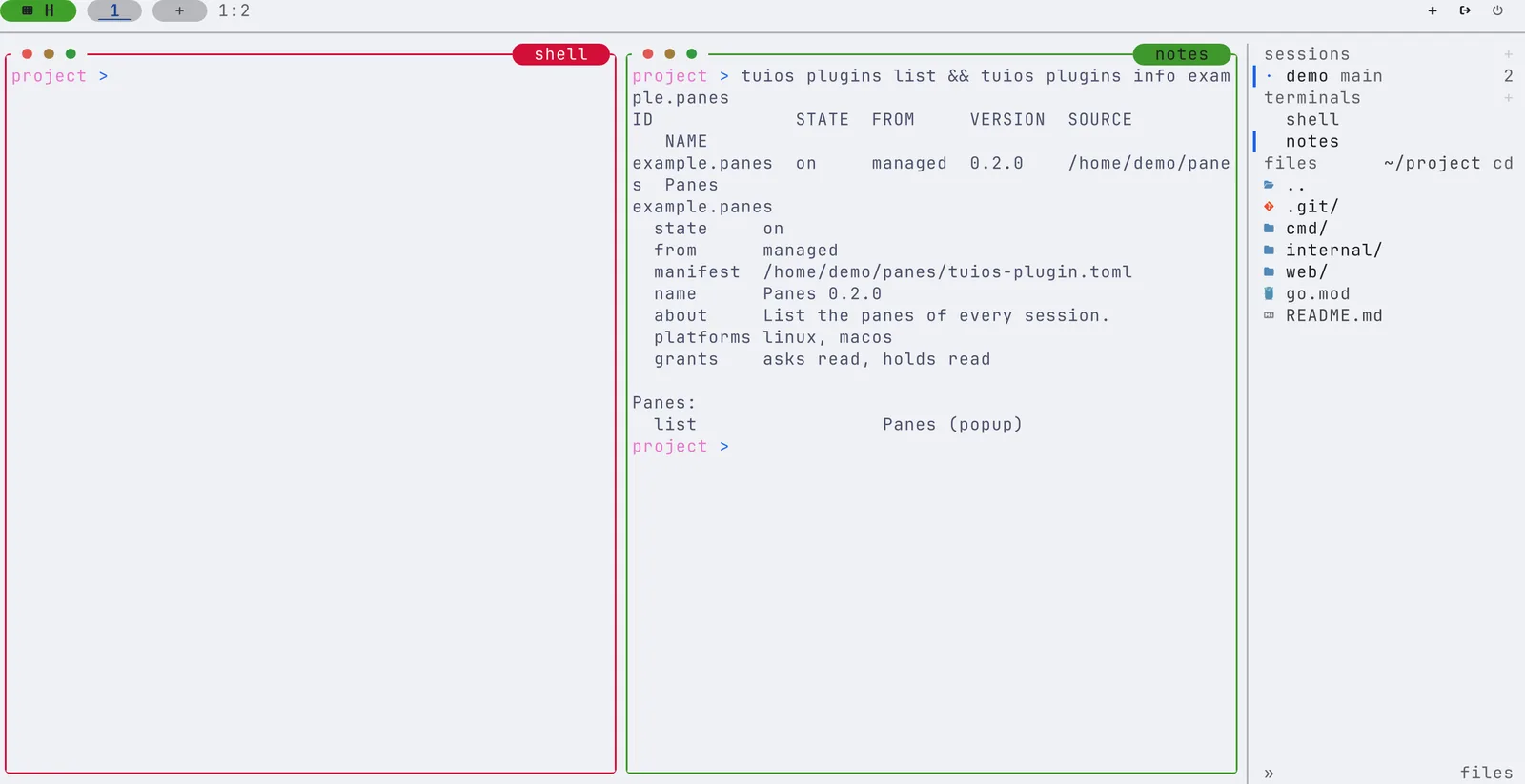
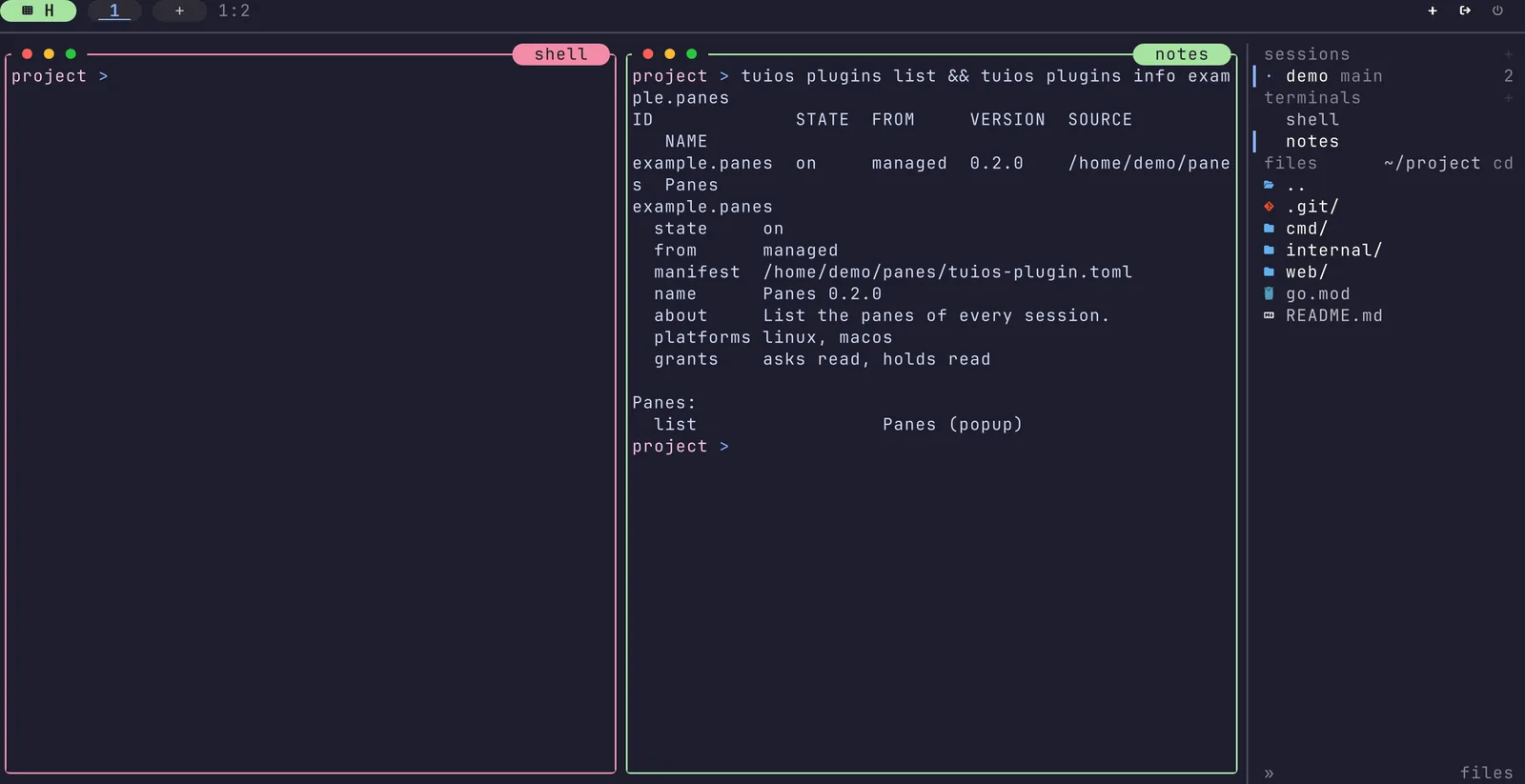
tuios plugins info herdr-sidebar      # what it runs, and its grants
A running daemon starts an enabled plugin at once. Without a daemon, the plugin starts with the next one.
Installing a plugin
tuios plugins install owner/repo                  # github.com, the default branch
tuios plugins install owner/repo@v0.3             # a tag, a branch or a full commit
tuios plugins install owner/repo/plugins/notes    # the plugin folder, when it is not the top of the repository
tuios plugins install https://gitlab.com/a/b.git@main
tuios plugins install ./my-plugin                 # a folder on this machine, used in place
The manifest must be at the top of the folder you name. When a repository keeps its plugin in a subfolder, name that folder, or pass --subdir. A git URL can be https://, ssh://, git@host:path or file://. Plain http:// is refused. You need git on your PATH.
tuios gets the source into a new folder, then shows the plan and asks:
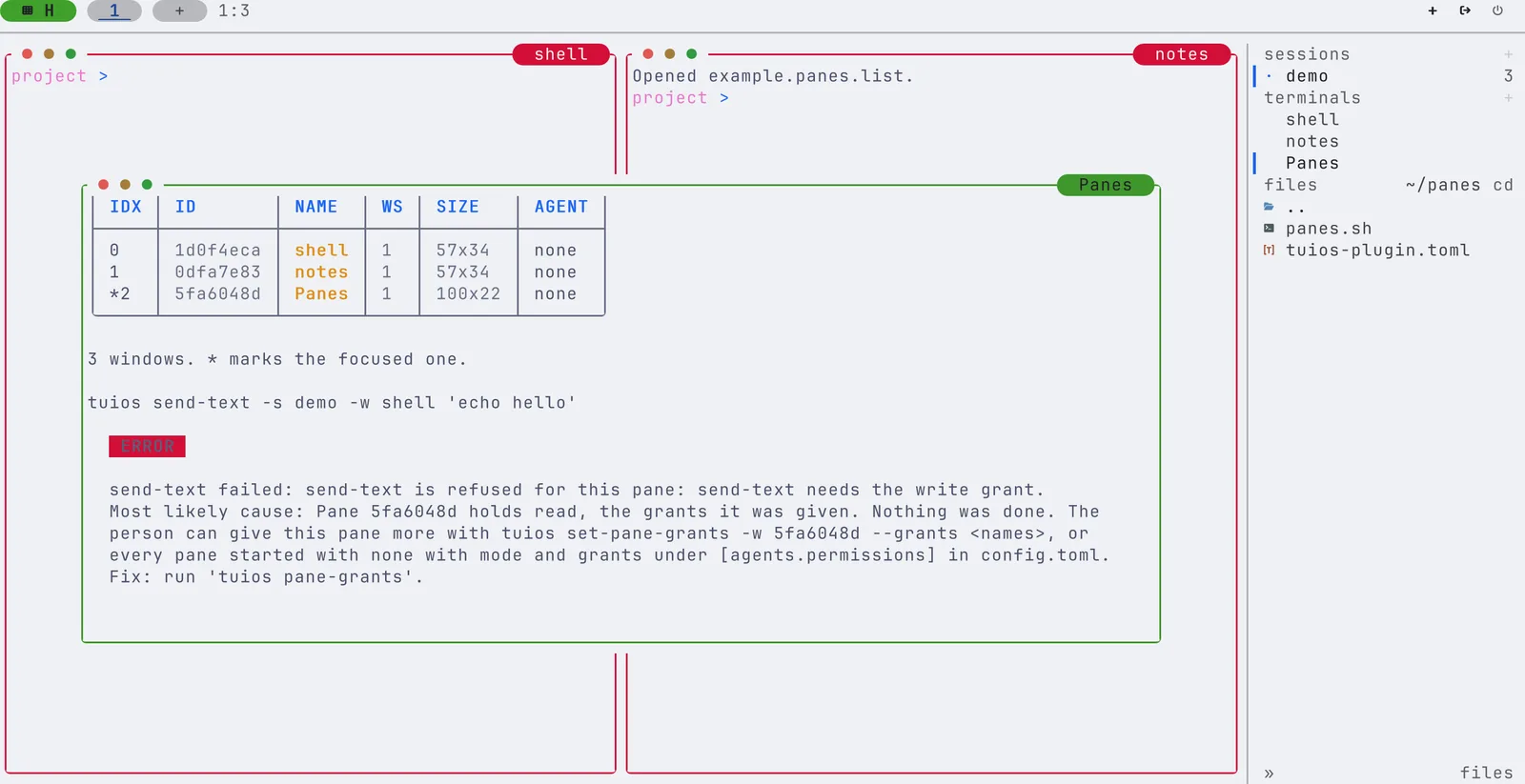
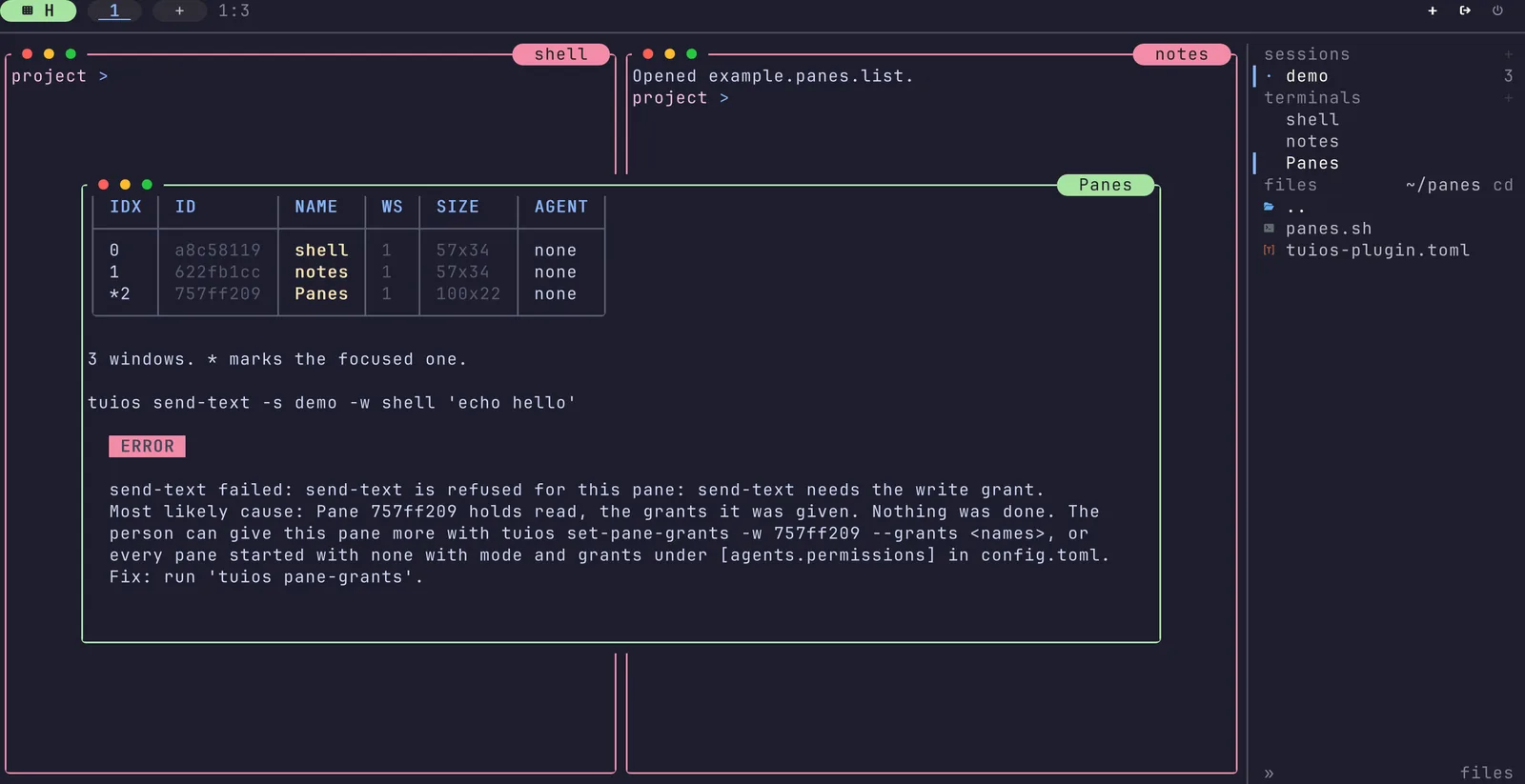
Install example.panes 0.2.0 (tuios plugin)
  from    https://github.com/example/panes @ v0.2.0 = 6e30e96b68fb
  folder  ~/.local/share/tuios/plugins/example.panes/6e30e96b68fb-dma6hbj1j76h

Build commands (run now, in that folder, with your rights):
  go build -o bin/panes .

Runs when enabled, outside every pane, with your rights:
  panes    list (popup) (1)

It can call tuios in every session with these grants: read.
tuios enables the plugin after the install.| Flag | Does |
|---|---|
-y, --yes | Install without the question |
--ref REF | The branch, tag or full commit. The same as SOURCE@REF |
--subdir DIR | The plugin folder in a repository given by URL |
--no-enable | Install and build, but leave the plugin off |
--no-build | Do not run the build commands |
--replace | Replace an installed plugin with the same id from another source |
--grant admin | Give the admin grant to a native plugin that asks for it. See Grants |
Each install builds into a new folder. When the build fails, or you stop it, nothing that runs changes: the plugin keeps its old folder and its old pin. After a good build, tuios writes the pin, and the daemon restarts the plugin from the new folder. tuios keeps the new folder and the one before it, and removes older ones.
plugins.lock Unreleased
plugins.lock sits beside config.toml. It holds the source, the ref and the exact commit of each plugin you installed:
version = 1

[[plugin]]
id = 'example.panes'
format = 'tuios'
source = 'https://github.com/example/panes'
ref = 'v0.2.0'
commit = '6e30e96b68fb6c1b2d0d6a1e0e7f2c7e3b9a1d4f'
approved = 'sha256:f05d82adf886ed12f6833850faaa3c346da854c73547f4517081a43a9f5669fe'
grants = ['read']
approved is a hash of what the plugin runs and asks for. A state file in the data folder names the folder that runs on this machine. The lock does not, so you can keep plugins.lock in your dotfiles and share it between machines.
On a new machine with your config folder, install everything the lock pins:
tuios plugins install # each plugin in plugins.lock, at its commitThis does not enable a plugin. [plugins] enabled in config.toml does that. With --yes you trust the person who wrote the lock file. tuios still asks, also with --yes, when a manifest differs from the one the lock approved. The hash keeps the question honest. It is not a sandbox.
Updating and removing
tuios plugins update and tuios plugins uninstall are not in this release. Until they are:
- To update, install the same source again at the new ref, such as
tuios plugins install owner/repo@v0.4. tuios shows the plan, builds the new commit and moves the pin. - To remove, run
tuios plugins disable ID, then delete the plugin's[[plugin]]entry fromplugins.lock.
Turning plugins on and off
Nothing runs until you enable it. To find and list a plugin runs none of its code.
tuios plugins enable example.panes     # add it to [plugins] enabled, start it now
tuios plugins disable example.panes    # remove it, and stop its processes
tuios plugins link ~/src/my-plugin     # use a folder in place, off until you enable it
tuios plugins unlink my-plugin
A change to config.toml that removes a plugin from enabled applies at once. A change that adds one waits for tuios config apply or a daemon restart.
tuios looks for plugins in five places, in this order. When two places have the same id, the first wins, and plugins list shows the other with plugin_id_shadowed.
- The folders that
[plugins] dirsnames.tuios plugins linkadds one. - The tuios plugins folder,
$XDG_CONFIG_HOME/tuios/plugins/. - The plugins in
plugins.lock.plugins listshows them asmanaged. - herdr's registry,
~/.config/herdr/plugins.json. - herdr's managed checkouts,
~/.config/herdr/plugins/github/*.
tuios only reads herdr's files. A plugin that herdr installed stays off in tuios until you enable it here.
Running a plugin
| Entry | When it runs |
|---|---|
| Build | Only at tuios plugins install or tuios plugins build ID. tuios shows each command first |
| Startup | When the daemon starts, and when you enable the plugin |
| Action | From the command palette, a command key, or tuios plugins run ID ACTION |
| Pane | From the command palette, or tuios plugins open ID PANE |
| Event hook | When the herdr event stream sends the event it names |
A command is an argv list. No shell reads it. It runs in the plugin folder, outside every pane, as your user. tuios plugins log shows the last runs, with exit codes and the start of their output.
To put an action on a key, add a command key of type plugin_action:
[[keybindings.command]]
key = "prefix+alt+l"
type = "plugin_action"
command = "example.layout.apply"
description = "Apply layout"
Native plugins
A native plugin is a folder with tuios-plugin.toml:
schema = 1
id = "example.panes"
name = "Panes"
version = "0.2.0"
description = "List the panes of every session."
min_tuios = "0.11.0"             # optional
platforms = ["linux", "macos"]

[permissions]
grants = ["read"]                # read, write, fan or admin

[[build]]
command = ["go", "build", "-o", "bin/panes", "."]

[[process]]
id = "list"
run = "pane"                     # startup, action or pane
title = "Panes"
placement = "popup"
width = 100
height = 22
command = ["bin/panes"]
run = "action"andrun = "pane"take the keys of herdr's[[actions]]and[[panes]]:title,description,contexts,placement,widthandheight.- tuios refuses a key it does not know. tuios refuses
[[wasm]]andrun = "event". They fail withplugin_requires_newer_tuios. tuios plugins info IDshows the grants the plugin asks for and the ones it holds.
A herdr plugin with grants
To give a herdr plugin grants without changing it, add a tuios-plugin.toml beside its herdr-plugin.toml that points at it:
schema = 1
id = "herdr-sidebar"

[herdr]
manifest = "herdr-plugin.toml"

[permissions]
grants = ["read", "write"]
The commands, the name and the version come from the herdr manifest. The native file adds only the grants, and it may not list [[build]] or [[process]] of its own. The two ids must match. In a folder with both files and no [herdr] table, tuios-plugin.toml wins.
Grants
A plugin's processes call tuios to read panes, type into them and open new ones. Each call is checked against the plugin's grants, as a call from a pane is checked against the pane's grants.
| Grant | Lets the plugin |
|---|---|
read | List sessions and panes, read a pane's screen, and follow events in every session |
write | Type into a pane that holds nothing the plugin does not |
fan | Start agents with fan and start-agent |
admin | Everything else. It implies read, write and fan, never respond. It needs your approval on this machine |
respond | Refused. Only you answer an agent's prompt |
- A native plugin you installed holds the grants you approved at install, in every session.
- A native plugin that you linked or put in a folder, and did not install, holds no grants.
- A herdr plugin with no native file holds the default grants of
[agents.permissions]. - A pane that a native plugin opens holds no more than the plugin.
- No plugin process can act as you. It cannot enable a plugin or answer a prompt.
write follows the rule for panes: a plugin types only into a pane that holds nothing the plugin does not. Under mode open, every pane holds admin, so there a plugin needs admin to type into a pane.
Admin. admin reaches every pane and verb, so tuios asks more for it:
tuios plugins install owner/repo --grant adminWithout --grant admin, the install stops and says so. With it, tuios asks each tuios daemon that runs whether the command runs outside all of its panes and plugins. Every daemon must agree. tuios does not start a daemon to ask, so start tuios first. Then tuios records the approval in the state folder. plugins.lock alone never gives admin.
The approval covers the manifest and the files that the plugin's commands name as arguments, such as bin/panes or probe.sh. When one of them changes, the plugin loses admin at its next start, until you approve it again. tuios reads the approval only when you own the file and its folder, and nobody else can write them.
What this does not stop
Grants keep a plugin's mistakes, and a tool that a prompt misled, inside what you approved. They do not make a plugin safe to run. A plugin runs with your rights.
- The build and the plugin's commands run as your user. They can read and write your files, like any program you run.
- The
adminapproval does not cover files that the named files load, such as a sourcedlib.sh, a Python module ornode_modules. It does not cover an argument that is not a plain file name, such assh -c "./probe.sh"orgo run .. It does not cover programs on yourPATH, data files, or a command that already runs. - tuios knows a plugin's process by its process session. A process that starts a new session with
setsidleaves the plugin. So does a command run overssh, or a process that pointsXDG_RUNTIME_DIRsomewhere else. - Any program that runs as you can write the approval file, as it can write
config.toml.
Install plugins that you trust, from sources you trust.
Platforms
tuios runs each command of a native plugin under a small tuios process. That process leads the command's process session, and it waits until nothing the command started is left. On Linux this costs about 2.7 MB of memory for each running command, and it wakes only when a process ends. macOS has no subreaper. There, when the command has ended and something it started still runs, the process checks once a second.
On Windows and the BSDs, tuios cannot tell which process calls, so it does not run the commands of a native plugin yet. They fail with plugin_unsupported_platform. herdr plugins run there as before.
Files
| Path | Holds |
|---|---|
$XDG_CONFIG_HOME/tuios/plugins.lock | The source, commit and approved hash of each installed plugin |
$XDG_DATA_HOME/tuios/plugins/<id>/<commit>-<nonce>/ | One build of a plugin. It does not move after the build |
$XDG_STATE_HOME/tuios/plugins/<id>/ | The plugin's state folder, with build.log |
$XDG_CONFIG_HOME/tuios/plugin-config/<id>/ | The plugin's config folder |
How do I
- Install a herdr plugin? Run
tuios plugins install owner/repofrom a terminal outside tuios. - Get the same plugins on a second machine? Copy
plugins.lockwith your config, then runtuios plugins install. - Move a plugin to a new version? Install it again at the new ref:
tuios plugins install owner/repo@v0.4. - Stop a plugin from typing into my panes? Give it a
tuios-plugin.tomlwithgrants = ["read"], then install it again. - See why a plugin did nothing? Run
tuios plugins log ID, thentuios plugins info ID.