Rendering4 min read
A picture on a terminal that cannot show pictures
tuios already drew a sixel picture as block characters on a terminal without graphics. A kitty graphics picture got nothing, so chafa -f kitty printed no picture in VS Code. Now tuios assembles the kitty upload, decodes it and draws it through the same block glyph path, and the picture scrolls and clears with the text.
GGGaurav Gosain
A program in a pane can draw a picture two ways: sixel, the old DEC format, or the kitty graphics protocol. When the terminal you run tuios in can show pictures, tuios passes them through. When it cannot (kmscon, the Linux console, Terminal.app, and xterm.js terminals such as VS Code), tuios draws a sixel picture with Unicode block characters instead. Each cell gets one character and two colours, so the picture is coarse, but it is there, and it moves with the pane like text. Images Without Graphics explains how.
A kitty picture got nothing. With the kitty passthrough off, tuios dropped the
kitty commands. So chafa -f kitty printed no picture at all on those
terminals, and neither did any tool that sends kitty graphics without asking
first. This got worse after
#583, which turned graphics
off on xterm.js terminals because they cannot move or remove a picture cleanly.
That was the right call, and it also meant that the command in
#567 now showed nothing in
VS Code.
The same scene, shot by tuios v0.12.1 and by main. The pane sends the tuios app icon with kitty graphics, then prints a caption:
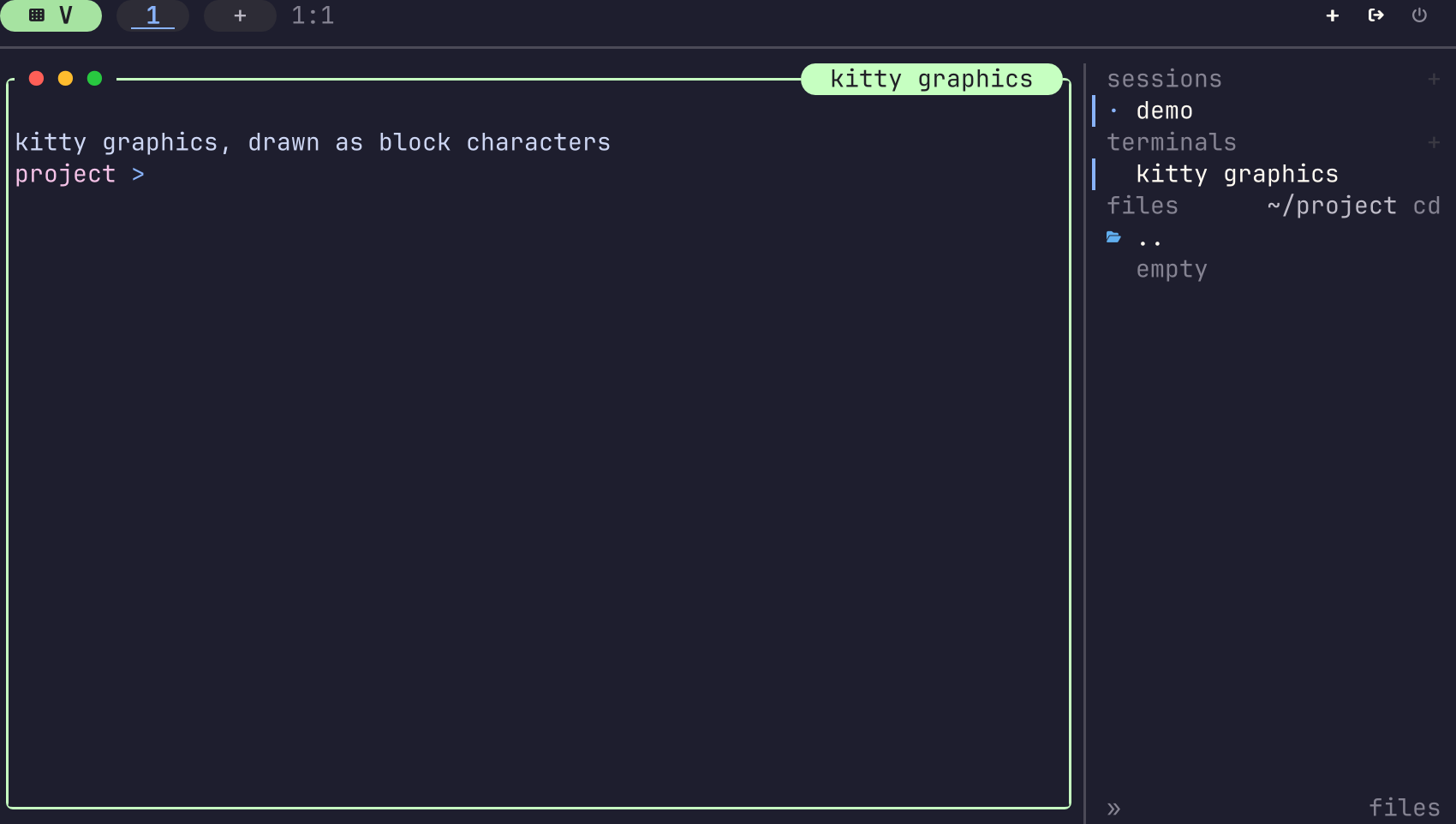
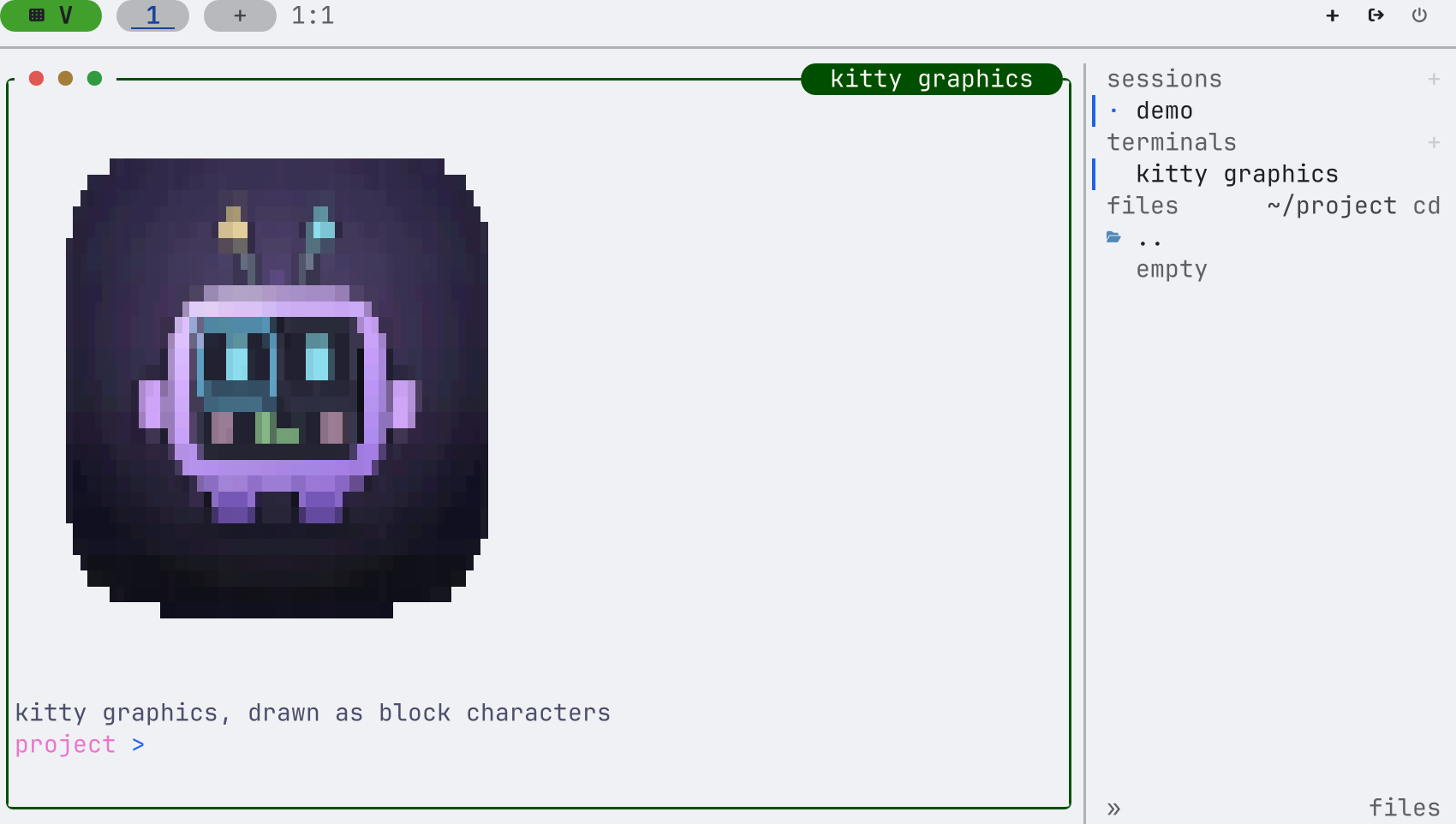
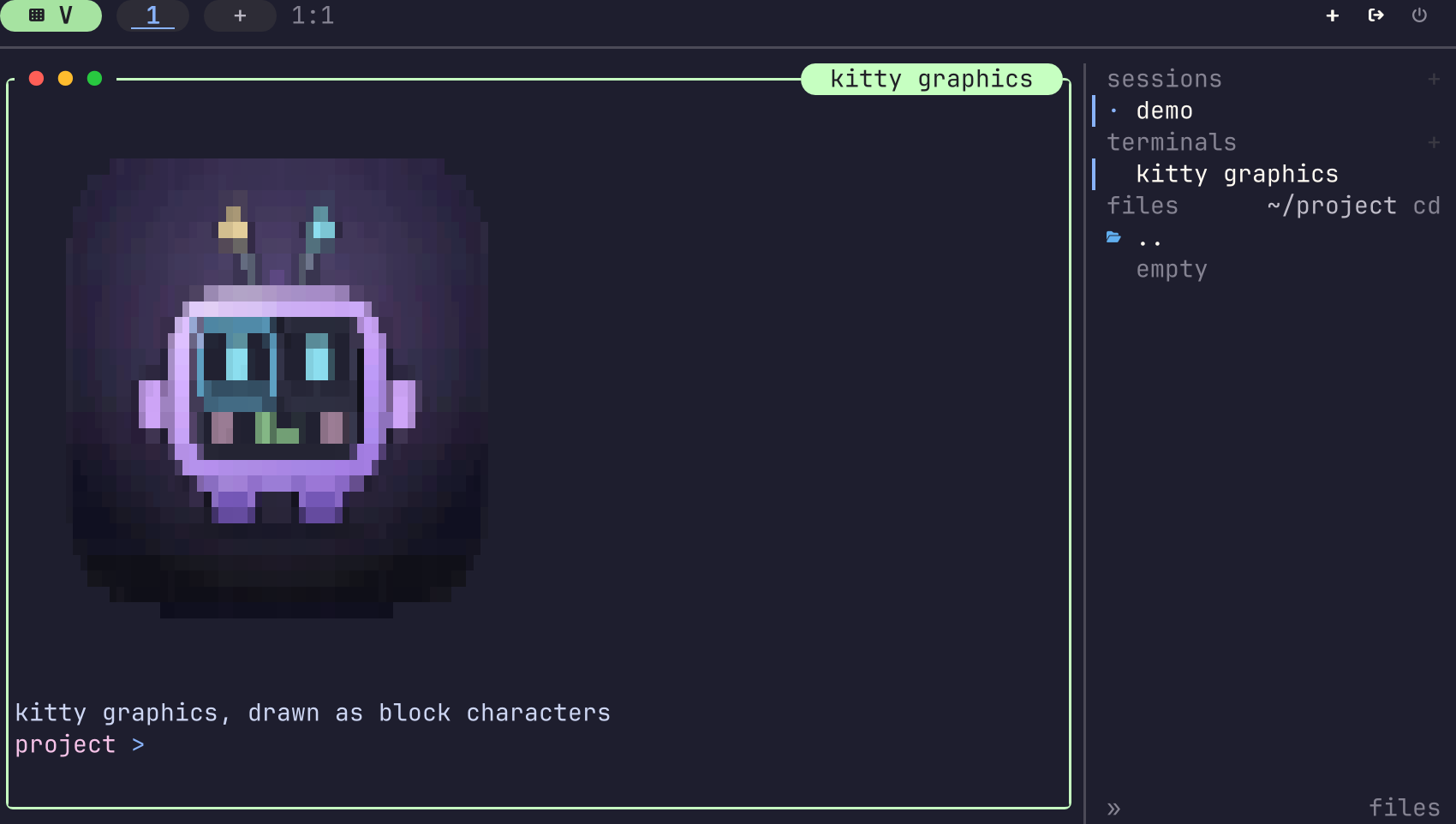
Look at the caption in the first picture too. With the commands dropped, nothing moved the cursor, so the text after the picture started where the picture should have been.
One decoder, one glyph path
The fix reuses two things tuios already had.
The first is the decoder that screenshots use for kitty pictures. It reads
the formats kitty sends: raw RGB (f=24), RGBA (f=32) and PNG (f=100),
each of them compressed or not (o=z). It already had bounds, because a
screenshot decodes what a program in a pane sent.
The second is the glyph renderer that sixel uses. It takes a palette image and the cells it covers, and draws the block characters.
In between is the part that is new. A kitty upload arrives in chunks: the first
command says the format and the size, and each chunk carries a piece of base64
with m=1 until the last one. It can be one command (a=T, transmit and show)
or two (a=t to transmit, then a=p to place it later). tuios now puts the
chunks together, decodes the result, crops it to the rectangle the program
asked for, reduces it to a palette of 5 bits a channel, scales it to the cells
the picture covers, and hands it to the glyph renderer. Nothing of it is sent
to your terminal.
A picture has to hold its cells
A picture drawn as characters is only half of it. The picture must also take up
room in the pane, so that it scrolls into the history with the text, so that a
clear removes it, and so that the next line of output starts below it.
For sixel the emulator already did that: it marks the cells a picture covers.
A kitty picture had no such marks, so the emulator itself, in
tuios.dev/vt, gained PlaceImageMarkers and
EraseImageMarkers, on both of its backends (the pure Go one and
libghostty-vt). With them, a kitty picture holds its cells the way a sixel
picture does.
The cursor needed care as well. On a terminal with kitty graphics, the cursor
after a picture placed with C=0 goes to column 0 under it. tuios does the
same, so a program lays out the same screen on both kinds of terminal. That is
the caption in the second picture.
A program can also delete pictures: all of them (d=a, A) or one by id
(d=i, I). A viewer that deletes and redraws would leave stale glyphs behind
if tuios ignored that. A delete now
blanks the cells of the pictures it names.
Bounds
The pane's program decides what it sends, so every size has a limit: one upload
of at most 64 MiB, 16 stored pictures in 64 MiB, and 256 drawn pictures. A
fuzz target, FuzzKittySymbols, ran the assembler on random commands for
337,000 executions with no failure.
What is not covered
- Unicode placeholders (
U=1), where a program places a picture with special characters instead of a command, work as before. - A terminal with sixel but no kitty graphics works as before too.
- A terminal that gains graphics. If you attach later from a terminal that can show pictures, a picture drawn this way is dropped, never sent as sixel.
The pull request is #1817, and it closes #586. The e2e test prints a kitty picture on a terminal without graphics, reads the glyphs back from that terminal's screen, then scrolls, deletes and clears, and checks that the terminal was sent no kitty graphics. It runs with the daemon and without it, on both emulator backends, on macOS and Linux. The change added about 29 KB to the Linux binary and 34 KB to the macOS one.