Agents4 min read
Pills and pictures in the agents view
An agent can now mark its reply with a short label, such as Done or Needs you, and the agents view draws it as a coloured pill. A Mermaid or TML block in a reply is drawn as a picture. What it looks like, how it works and what it leaves out.
GGGaurav Gosain
I read a lot of agent replies. Most of them end the same way: a paragraph that says the work is done, then a line further down that says one test still fails, then a note that a step could not be undone. The important part is there. It is just not where my eyes go first.
So the agents view now draws two new things in a reply. A short label in
double square brackets, such as [[Done]] or [[Needs you]], shows as a
coloured pill. A fenced mermaid or tml block shows as a picture.
Reply markers
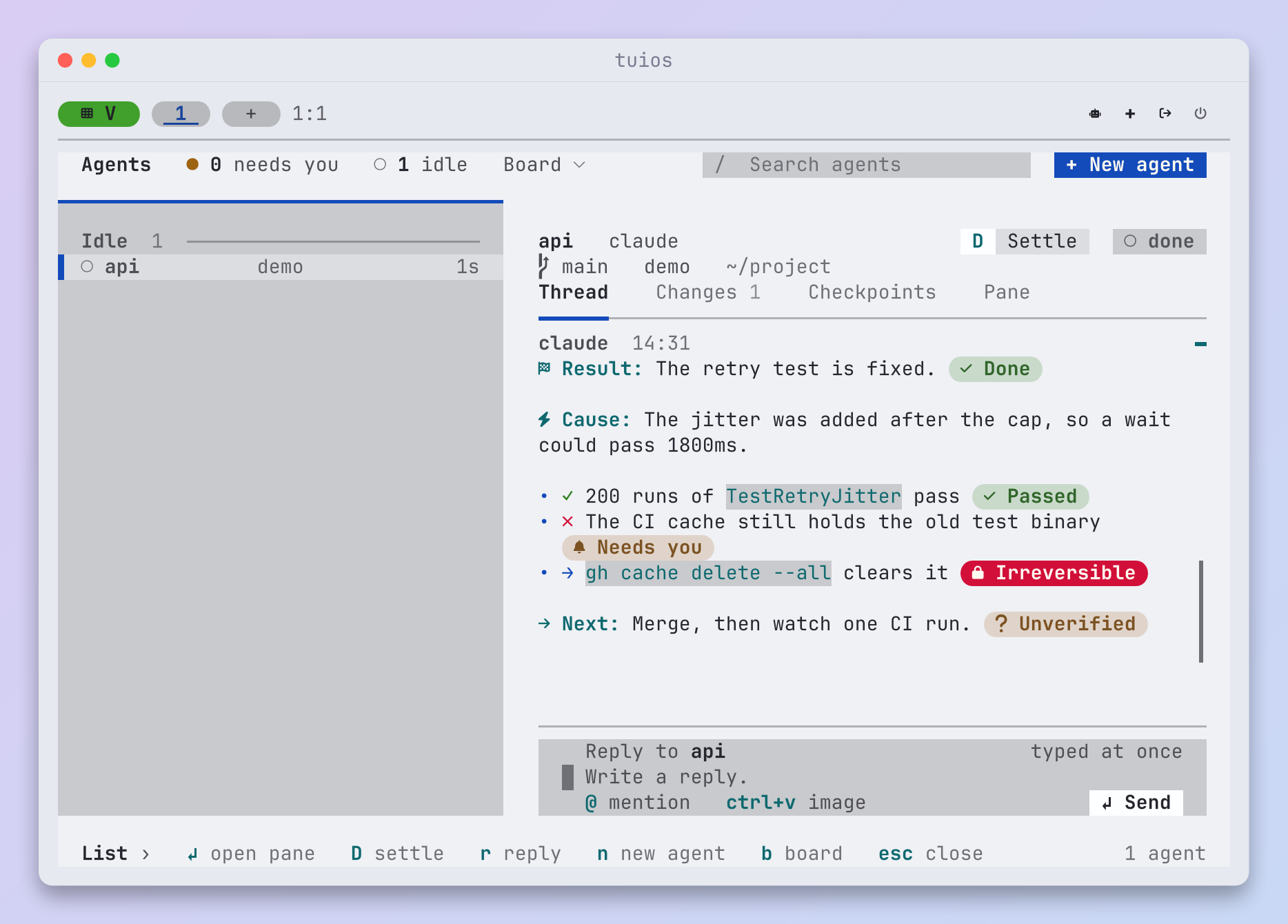
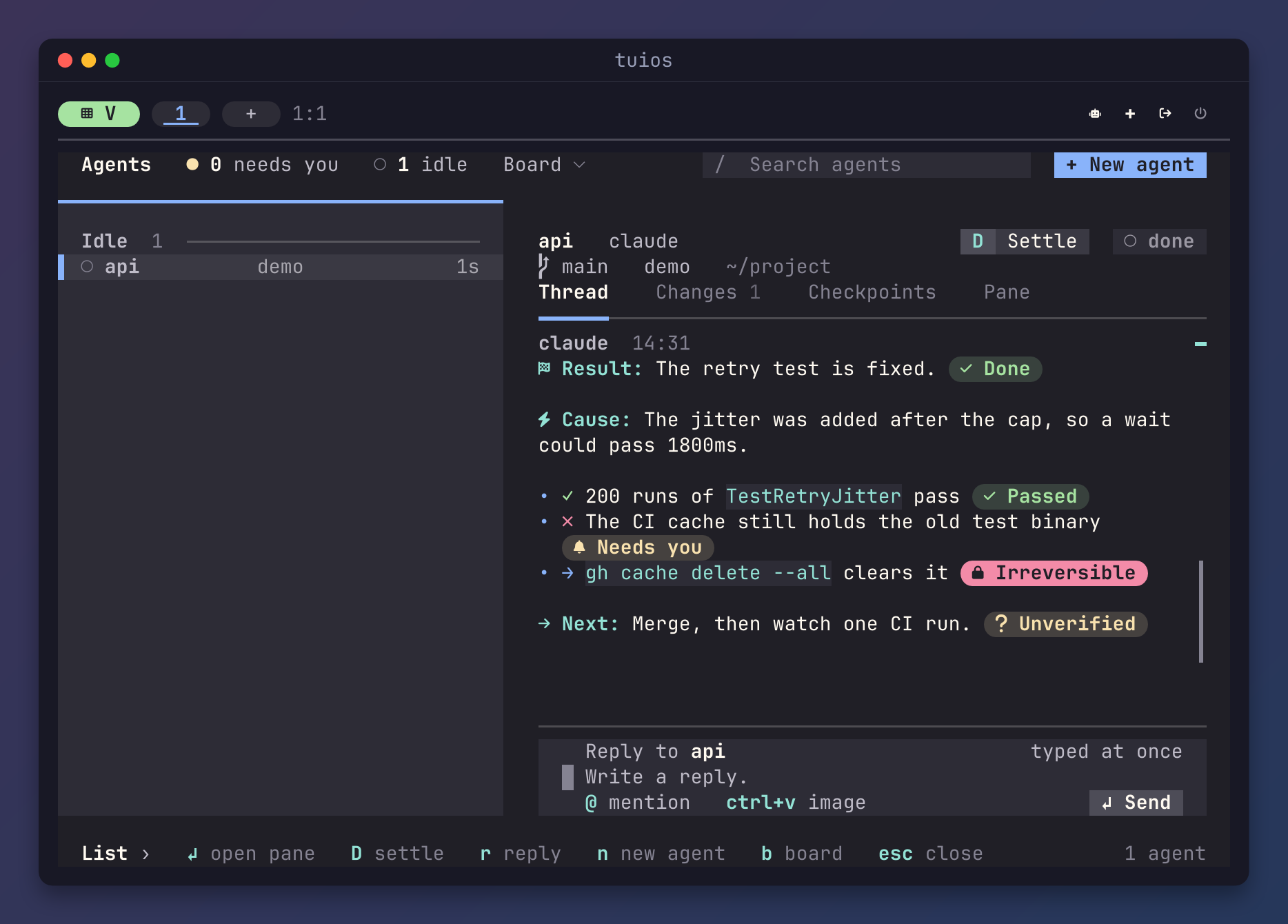
This is the reply in the picture, as the agent wrote it:
**Result:** The retry test is fixed. [[Done]]

**Cause:** The jitter was added after the cap, so a wait could pass 1800ms.

- ✓ 200 runs of `TestRetryJitter` pass [[Passed]]
- ✗ The CI cache still holds the old test binary [[Needs you]]
- → `gh cache delete --all` clears it [[Irreversible]]

**Next:** Merge, then watch one CI run. [[Unverified]]
The words in brackets come from a short list, in seven groups. Each group has a colour:
| Colour | Group | Some of its labels |
|---|---|---|
| Red | A problem | Failed, Blocked, Broken |
| Yellow | For the person | Needs you, Unverified, Pending, Review |
| Green | Settled | Done, Passed, Fixed, Merged |
| Solid red | A consequence | Costs money, Destructive, Irreversible |
| Cyan | The kind of work | Investigate, Implement |
| Solid blue | Ownership | Owned, Shared |
| Blue | Context | New, Changed, Decision, and any other label |
A label can carry a detail after a colon, such as [[Failed: 3 tests]].
A few other words map to a known one, so [[Complete]] shows as Done and
[[Error]] shows as Failed. A label has at most 32 characters.
The rest of the reply gets a little help too. A bold lead label at the start of a paragraph, such as Result: or Next:, gets an icon and the accent. The view colours ✓, ✗ and →, and it dims the lines of a tree, so the names in the tree stand out.
A few things stay as they are, on purpose:
- A marker inside a code span or a code block is text. An agent can write about markers without the view drawing them.
- The stored reply keeps the marker as the agent wrote it. So does the Markdown
copy (
Yin copy mode). A pill is only how the view draws it. - Without Nerd Fonts, a pill has square ends and no icon. At 16 colours, a pill is its group's colour in reverse.
Asking the agent to use them
An agent does not know about the markers unless someone tells it. tuios can do
that for Claude Code. With this option on, tuios start-agent passes a short
guide to Claude Code with --append-system-prompt:
[agents]
reply_markers = true   # default false
It is off by default. Any other agent can use the markers too. They are plain text, and the view draws them in the reply of any agent.
The idea, the word list and the look come from pi-emphasis by John Lindquist (MIT). I liked how it made a long reply easy to scan, and I wanted the same in tuios.
Pictures in a reply
An agent often explains a flow with a diagram, and it writes the diagram as a
Mermaid block. Until now, the view showed the block as source. Now the view
draws it. A tml block, in the markup tuios draws surfaces from, shows as a
static picture as well.
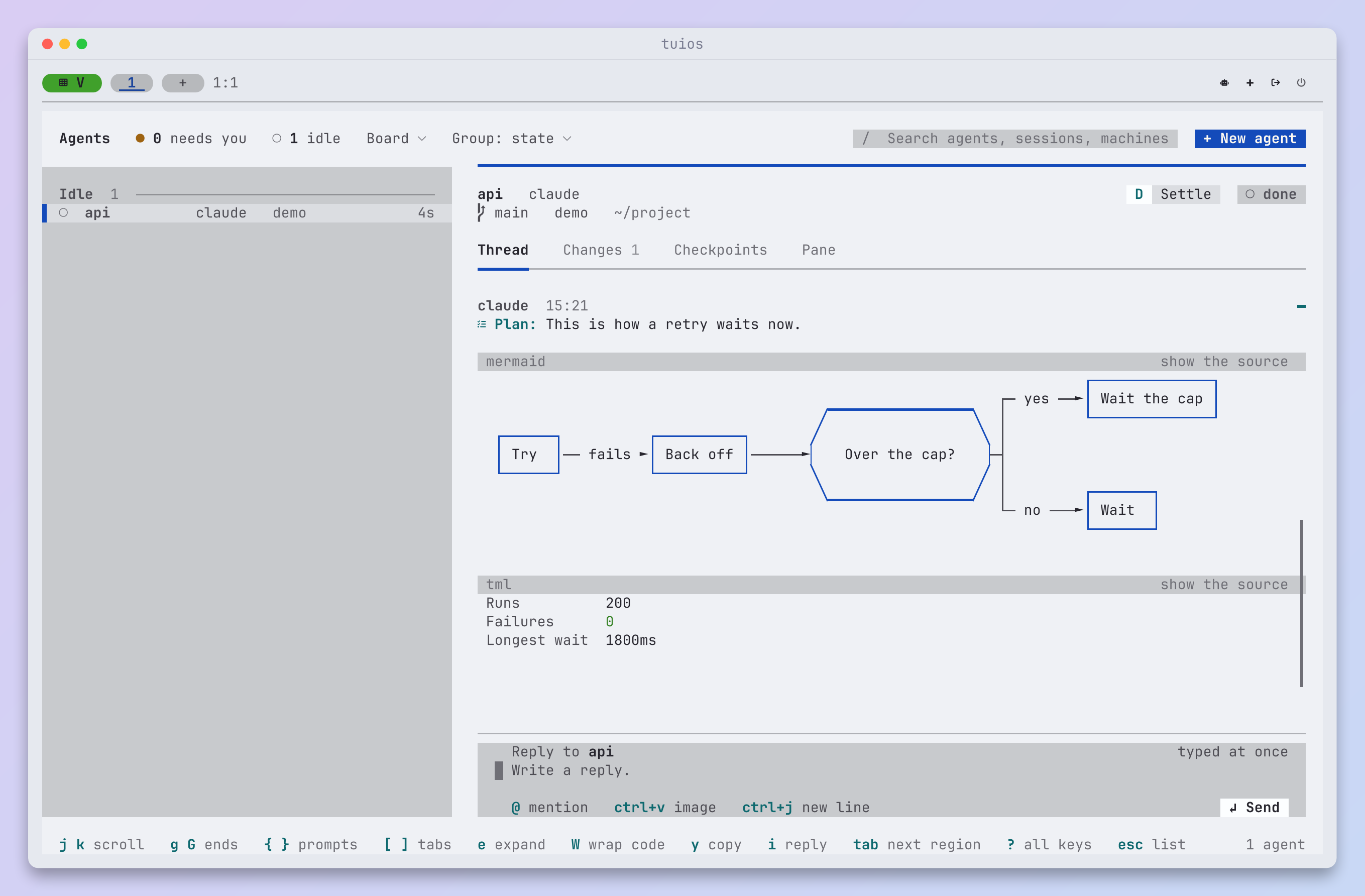
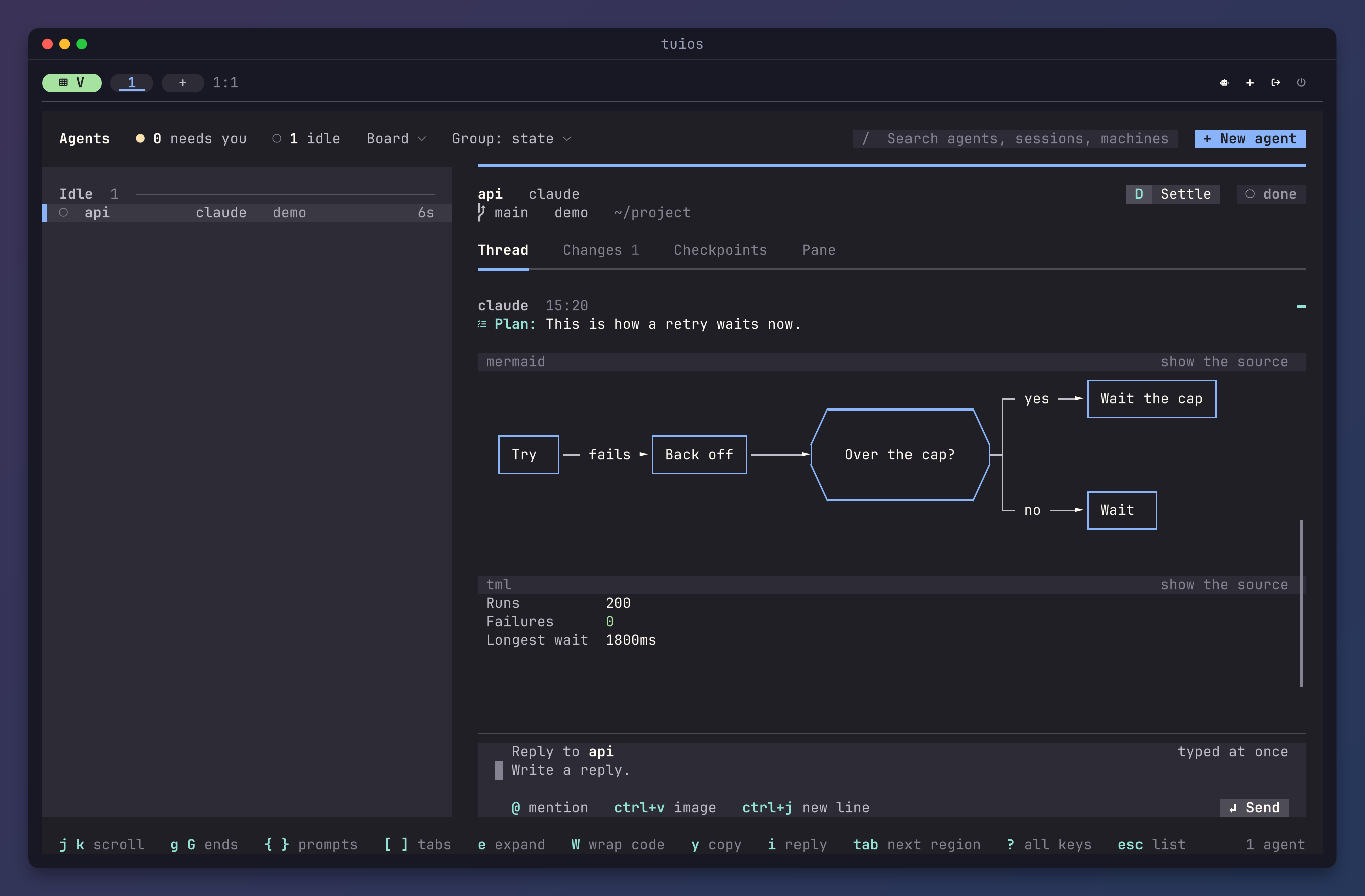
Both go through the same code that draws a TML surface. A Mermaid block becomes
a document with one <mermaid> part, which sketch draws in your theme. The
picture is static. No key or click reaches it, so it runs no action and no
command, and it reads no file and no address. That matters here, because the
text comes from an agent.
To see what the agent wrote, click the header line over a picture. The view
shows the source as a code block. Click its header again for the picture.
P does the same for the lowest picture on the screen, and C copies the
source. A block that does not parse shows its source, under a line that says
why.
tuios keeps each drawing by its kind, its source, its width and the look, so a diagram is drawn once and not again on every frame. Quick look uses the same renderer, so a Mermaid or TML block in a Markdown file shows the same way there.
Try it
Both are on tuios main now. Open the agents view with ctrl+b i. If you run
Claude Code through tuios start-agent, turn on reply_markers and ask it
for a status update. The configuration
page lists every label.